
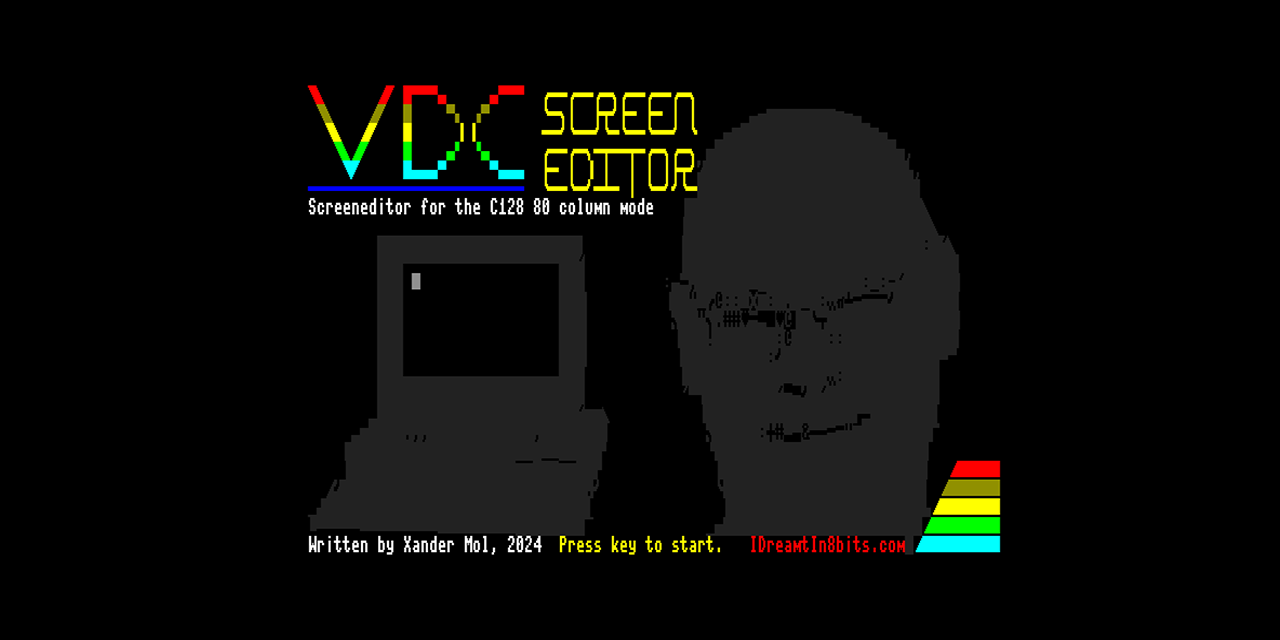
The Commodore 128's MOS 8563 VDC chip is one of the most underused pieces of silicon Commodore ever shipped. Running the 80-column display through its own independent VRAM — 16KB in the standard C128 and 64KB in the DCR variant — the VDC offers a 16-colour palette, hardware attribute bytes per character supporting blink, underline, reverse, and alternate charset selection, programmable screen dimensions up to 80×70 in PAL, and smooth vertical scrolling on 64KB machines. For PETSCII art, ASCII-art demosceners, and BBS sysops, that is a remarkably capable canvas. VDC Screen Editor 2 is the tool that unlocks all of it in an interactive, real-time editor running natively on the C128 itself.

Oscar64 Rebuild
Version 2 is a complete rebuild of the original VDCSE using the Oscar64 C compiler, replacing the previous cc65 codebase. The shift to Oscar64 freed enough code space and execution headroom to add multiple screen mode support: 80×25 (universal), 80×50 (ideal for C64 PETSCII art's native aspect ratio), 80×70 PAL, and 80×60 NTSC. Only 80×25 is available on 16KB VDC machines; the larger modes require 64KB VDC RAM.
The 80×50 mode is particularly significant — traditional PETSCII art is designed for the C64's 40×25 text screen, and when imported at 1:1 scale the C64 pixel aspect ratio matches almost perfectly on the VDC's 80×50 canvas, making VDC an excellent archive and display format for existing C64 PETSCII work.
Canvas sizes can extend well beyond the visible screen, up to 30KB total — enough for a 160×75 layout, or roughly seven standard 80×25 screens distributed across width and height. The editor scrolls the viewport smoothly as you navigate a canvas larger than the screen.

VDC Attribute System
The VDC stores one attribute byte per character position. Each byte encodes the foreground colour (bits 0–3, 16 colours), plus four attribute flags: blink (bit 4), underline (bit 5), reverse video (bit 6), and alternate character set (bit 7). This means every character on screen can independently have any colour and any combination of those four attributes — capabilities the standard C64 VIC-II simply does not offer. The reverse attribute alone removes the need to store reverse copies of characters in the upper 128 positions of a charset, freeing those slots for user-defined graphics.
Editing Toolkit
The editing toolkit is comprehensive. Write mode (W) enables direct keyboard text input with full PETSCII character support and CONTROL/C= colour selection keys, matching the natural way a C128 user types. Color write mode (C) lets you repaint attribute bytes by pressing hex digit keys 0–F for the 16 VDC colours, moving the cursor across an already-drawn screen. Select mode (S) handles rectangular selections with cut, copy, delete, and attribute-repaint operations.
Line and box mode (L) draws lines and filled or outlined boxes using the current character and attribute. The integrated character editor (E) shows a magnified 8×8 pixel grid for the selected screencode, supports copy, paste, mirror on both axes, rotate, and shift operations, and lets you type a hex byte value directly for precise bit-level editing.
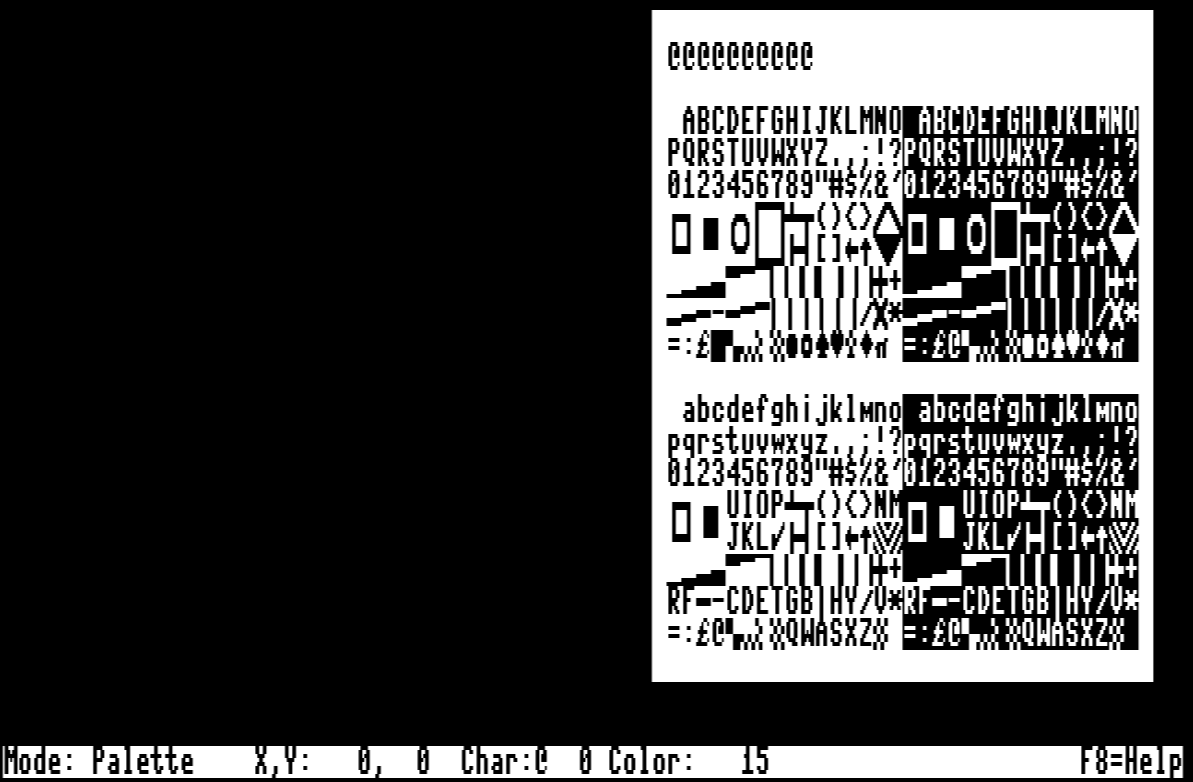
A palette browser (P) displays both character sets and ten favourite slots in a scrollable window, with a visual PETSCII map mode that re-orders the standard charset into the logical drawing sequence PETSCII artists expect. On 64KB VDC machines, a 40-level undo/redo system tracks every edit operation.

Import, Export and VDCSE2PRG
Version 2 adds a full import and export pipeline. PRG import reads raw screen memory dumps — the kind produced by freezing a running C64 program — with configurable text/attribute offset, optional load address skip, and a VIC-to-VDC colour converter that maps the 16 VIC colours to their closest VDC equivalents. SEQ import and export handles BBS PETSCII code sequences compatible with Petmate 9 and similar tools, including support for cursor movement control codes.
The included VDCSE2PRG utility turns any saved project into a standalone self-displaying C128 .prg executable: load the project in the utility, enter a destination filename, and it generates a complete viewer program with Oscar64's runtime, the correct VDC initialisation sequence, and smooth auto-scrolling support for screens larger than the display. The viewer detects VDC RAM size automatically and selects smooth scroll (64KB) or per-character vertical scroll (16KB) accordingly.
The memory layout for a generated viewer is: BASIC starter at $1C01, compiler runtime at $1C0D, viewer data at $1C80, viewer code at $1CA0, and screen and charset data from $4600 upward. This clean layout serves as a solid starting point for your own VDC demo or presentation program.

Getting Started
Mount the VDCSE disk image (.D64, .D71, or .D81 — the .D81 gives the fastest loads and most storage for saved screens). Run the main executable VDCSE from any valid device ID. The disk also contains six overlay files, system fonts, title and help screens, and several demo project files that were all created using VDCSE itself. Full source, binaries, and sample PETSCII art screens are at https://github.com/xahmol/VDCScreenEditor2.