
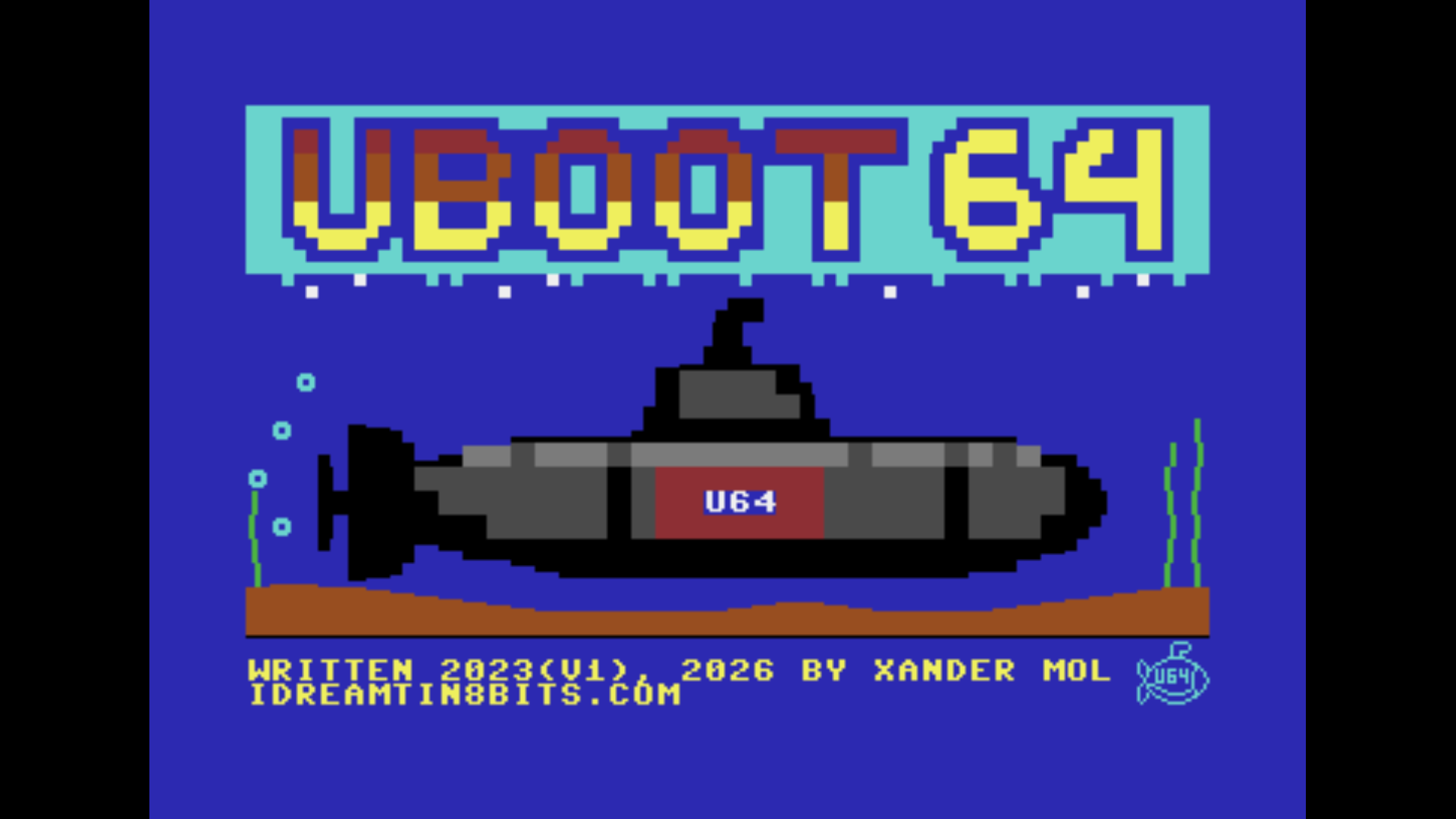
Boot menu for Commodore 64 devices equipped with an Ultimate II+ cartridge. Version 2 is a full rebuild using the Oscar64 C compiler, replacing the earlier CC65-based version.
Version 2.1.0 adds a default boot slot with a configurable auto-boot timeout (great for auto-mounting a disk on power-on), and menu slots that only mount a disk and/or run a command without launching a program. Version 2.1.1 adds support for keeping the configuration and slot files on an SD card as well as USB storage. Version 2.2.0 adds automatic USB port rerouting: if a slot's disk image or REU file was saved against one USB port and the stick has since been moved to another, UBoot64 now finds it again at boot time instead of failing to boot.
Version 3.0.0 adds compatibility with Ultimate firmware 3.15 and later, including automatic UCI enabling from the cartridge and SoftIEC partition support (CMD-HD-style partitions, also usable on SD2IEC and CMD-HD hardware). The slot and config file format changed to record partition selection, hence the major version bump. Version 3.0.1 fixes a set of partition-related issues found during compatibility testing against firmware 3.15a and on real SD2IEC hardware, including a directory path bug that could cause a partition-based menu slot to fail to find its program.
Version 4.0.0 applies a program's own Ultimate settings file (.cfg, else .usr) at boot, as the Ultimate's own file browser does (firmware 3.15 or newer); a slot can also get its own settings file (S in the file browser), and a baseline file is applied at every start. Loose .prg files on the Ultimate's file system can now be put in a slot: they are loaded through the REU, up to 64 KB. Configuration and slot files of all earlier versions are converted at the first start, with backups kept, so the upgrade tools are no longer needed (they are still included for v1 and v2). F2 names the Ultimate model. See the blog post for details, and the video.
Files
- uboot64.crt -- the cartridge image: copy it to /Flash/Carts and select it as the cartridge in the Ultimate's menu (see the README for the steps)
- README.pdf -- the manual
- uboot_upd12.prg, uboot_upd23.prg -- separate upgrade tools for v1 and v2 files; version 4.0.0 converts old files itself
Requirements
- Ultimate II+, Ultimate 64 (Elite, Elite II) or C64 Ultimate, with the Command Interface enabled
- A REU of at least 128 KB, enabled
- Firmware 3.15 or newer for program settings files and partitions on the SoftIEC drive